
 |
|
|
Hope’s on the Way 5th Mission Trip to New Orleans June 2-9, 2007
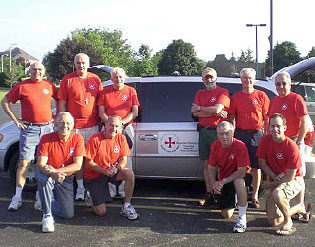
An experienced group of ten senior men gathered at the Carmelite Center in Darien, Illinois by 7:00 am to load three vans with their gear for their mission, Hopes on the Way’s fifth sponsored mission to New Orleans. With a bright sunny morning they piled into the vans, waved good bye and began their southward journey with a planned overnight stop in Memphis.
Read the log in PDF format (2 mb)
If your browser is configured to view PDF files you may click on the link normally (left-click). A new window will open and should display the Fifth Mission Log.
Or if you wish to download the file to your computer simply right-click on the link above and choose "Save Target As..." You can save it to your 'desktop' or any folder of your choice.
Tip for viewing PDF files: You can use your keyboard's up and down arrow keys, as well as 'Page Up' and 'Page Down' keys to step through the pages quickly.